How to Make Your First Deposit on Mercedes Play with GCash
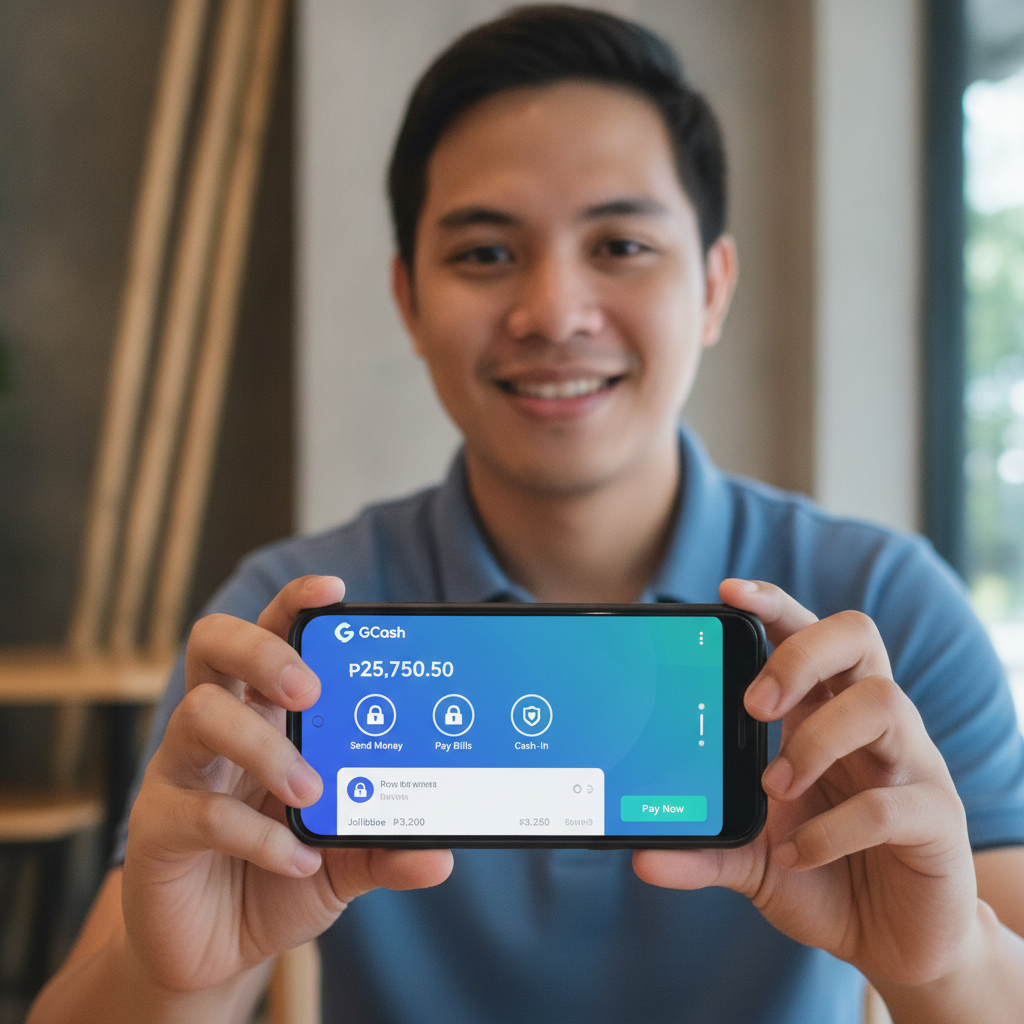
Why GCash Works Well for Mercedes Play Deposits
GCash is one of the most popular ways to fund a Mercedes Play account in the Philippines. Most Filipino players already have the app installed on their Android phone, and the e-wallet connects directly to Mercedes Play's cashier without needing a credit card or lengthy bank forms. GCash deposits typically process within minutes, so you can start playing slots, live dealer games, or betting on PBA and NBA matches right away.
This guide walks through every step of making your first deposit on Mercedes Play using GCash, from logging in to seeing your balance update in your account.
This service is for players aged 21 and over only. Bet only what you can afford to lose.
Finding the Deposit Section in Your Mercedes Play Account
Before you can add funds, you need to be logged into your Mercedes Play account. Open the Mercedes Play site on your mobile browser or app, then enter the username and password you created during registration.
Once you're logged in, look for the Deposit or Cashier button. On most mobile screens, this appears in one of three places:
- Top-right corner, often shown as a wallet icon or a "Deposit" link next to your current balance
- Main menu, accessible by tapping the hamburger (three-line) icon
- Account profile page, under your username or settings
Tap the Deposit button. This opens Mercedes Play's cashier page, where you'll see a list of available payment methods for Philippine players.
Selecting GCash as Your Payment Method
The cashier page displays several deposit options, including GCash, Maya, bank transfer via InstaPay, and PESONet. Scroll through the list and tap GCash.
After selecting GCash, Mercedes Play will display any relevant details for this payment method, such as:
- Minimum deposit amount (usually PHP 100)
- Maximum deposit per transaction
- Estimated processing time (typically instant to a few minutes)
Take a moment to check the minimum and maximum limits. If you're making your first deposit and want to test the process, the minimum of PHP 100 is a safe starting point. More experienced players often deposit PHP 500 or more, but there's no requirement to go above the minimum.
Step-by-Step: Entering Amount, Confirming in GCash App, Returning to Mercedes Play
Step 1: Enter Your Deposit Amount
On the GCash deposit screen inside Mercedes Play, you'll see a field asking for the amount you want to deposit. Type in your chosen amount in Philippine pesos. Make sure it meets the minimum requirement—usually PHP 100—and doesn't exceed the maximum allowed per transaction.
Double-check the number before proceeding. Once you confirm, Mercedes Play will generate a payment request.
Step 2: Confirm and Proceed
After entering the amount, tap the Confirm, Proceed, or Deposit button (the exact label varies). Mercedes Play will prepare the transaction and redirect you to the GCash payment gateway.
At this point, your phone may automatically open the GCash app if you have it installed. If not, you'll see a mobile web page from GCash asking you to log in.
Step 3: Log In to GCash and Authorize the Payment
If the GCash app opens, you'll be taken directly to a payment confirmation screen. This screen shows:
- The merchant name (Mercedes Play or its payment processor)
- The deposit amount in pesos
- A Pay or Confirm button
Check that the amount matches what you entered on Mercedes Play. If everything looks correct, tap Pay or Confirm.
GCash will ask you to authenticate the payment. Depending on your settings, this might be:
- Your GCash MPIN (the six-digit code you use to log in)
- Fingerprint or face recognition, if you've enabled biometric login
Enter your MPIN or complete the biometric scan. GCash will process the payment immediately.
Step 4: Wait for Confirmation
After you authorize the payment in GCash, you'll see a confirmation screen inside the GCash app. This screen shows a receipt with the transaction ID, date, amount, and merchant name. Keep this screen open or take a screenshot for your records.
GCash will automatically send a notification and an in-app message confirming the transaction. You'll also see the deduction reflected in your GCash wallet balance.
Step 5: Return to Mercedes Play
Once GCash confirms the payment, you'll either be automatically redirected back to the Mercedes Play site or app, or you'll see a button that says Return to Merchant or Back to Mercedes Play. Tap that button.
This brings you back to the Mercedes Play cashier or home screen. In most cases, your deposit will appear in your Mercedes Play balance within a few seconds. If the update takes longer, refresh the page or check the Transaction History section in your account.
Typical Minimum Deposit and Processing Time
Mercedes Play sets a minimum deposit of PHP 100 for GCash transactions. This low threshold makes it accessible for casual players and first-time users who want to try the platform without committing a large amount.
There is also a maximum deposit limit per transaction, which can vary depending on Mercedes Play's current policies and your account status. Check the cashier page for the most up-to-date limits.
Processing time for GCash deposits is usually instant. Once you confirm the payment in the GCash app, the funds should appear in your Mercedes Play account within one to three minutes. In rare cases—such as technical issues on GCash's side or high traffic—it may take up to 15 minutes. If your deposit doesn't show up after 15 minutes, contact Mercedes Play customer support with your GCash transaction ID.
What to Do After Your Deposit Appears
Once your balance updates in Mercedes Play, you're ready to start playing. Here's what you can do with your newly deposited funds:
- Slots and jackpot games: Browse the casino lobby and pick a slot machine. Most games accept bets as low as PHP 1 per spin, so a PHP 100 deposit gives you plenty of spins to explore.
- Live dealer tables: Join a live baccarat, blackjack, or roulette table. Minimum bets for live dealer games are typically higher than slots—often PHP 50 to PHP 100 per round—but the experience is closer to a real casino.
- Sports betting: Place bets on PBA, NBA, volleyball, and other sports. Minimum bet amounts vary by event and market, but many start at PHP 10 to PHP 20.
- Bingo: Join a bingo room and buy cards for the next game. Bingo cards usually cost between PHP 5 and PHP 20 each.
If you're unsure where to start, try a low-stakes slot game or place a small bet on a PBA match. This lets you get comfortable with the platform without risking too much of your deposit.
Tips for First-Time Depositors
- Check your GCash balance first: Make sure you have enough funds in your GCash wallet to cover the deposit amount plus any GCash transaction fees (if applicable). GCash usually does not charge a fee for casino deposits, but it's good to confirm.
- Start with the minimum: If this is your first time using Mercedes Play, deposit the minimum amount—PHP 100—to test the process. You can always add more later.
- Keep your transaction ID: Save a screenshot or write down the GCash transaction ID in case you need to contact support about a delayed or missing deposit.
- Set a budget: Decide how much you're willing to spend before you start playing. Only deposit what you can afford to lose, and never chase losses by depositing more than you planned.
Troubleshooting Common Issues
While GCash deposits on Mercedes Play are usually smooth, here are a few issues new players sometimes encounter:
- Deposit not showing up: Wait at least 10 to 15 minutes. If the funds still haven't appeared, check your GCash transaction history to confirm the payment went through. Contact Mercedes Play support with your transaction ID.
- GCash payment failed: This can happen if your GCash wallet balance is too low, or if there's a temporary issue with GCash's servers. Check your balance and try again. If the problem persists, try a different payment method or wait a few hours.
- Redirected back to cashier without confirmation: Sometimes the redirect from GCash to Mercedes Play doesn't work smoothly. Check your GCash transaction history. If the payment went through, refresh the Mercedes Play page or log out and log back in to see if your balance updated.
For any unresolved issues, Mercedes Play's customer support team can help. Look for a Live Chat or Contact Us button on the site, and have your GCash transaction ID ready.
21+ Only and Responsible Gambling
Mercedes Play is intended for players aged 21 and over. Online gambling should be a form of entertainment, not a way to make money. Only deposit and bet amounts you can afford to lose. If you feel you're spending too much time or money on Mercedes Play, consider setting deposit limits in your account or taking a break from the platform.
Gambling can be addictive. If you or someone you know needs help, reach out to a responsible gambling support organization.
Making your first deposit on Mercedes Play with GCash is straightforward once you know where to find the cashier and how the confirmation process works. With a minimum deposit of PHP 100 and near-instant processing, GCash is one of the easiest ways for Filipino players to fund their accounts and start exploring slots, live dealer games, and sports betting on PBA and NBA. Remember to bet responsibly and only deposit what you can afford to lose.